
Use My Journeys to review recent trips from vehicles you drove or from your own Location Sharing, then record whether each trip was for business or private use.
Before you start
Your login must be linked to your person record and have My Journeys permission. Vehicle journeys appear only when you were assigned or logged in as the driver. Phone journeys require your Location Sharing to have been active.
Journey details reveal where you travelled. Add only notes needed for reporting, and follow your organisation's privacy requirements when viewing or sharing them.
Steps
- Open My Journeys.
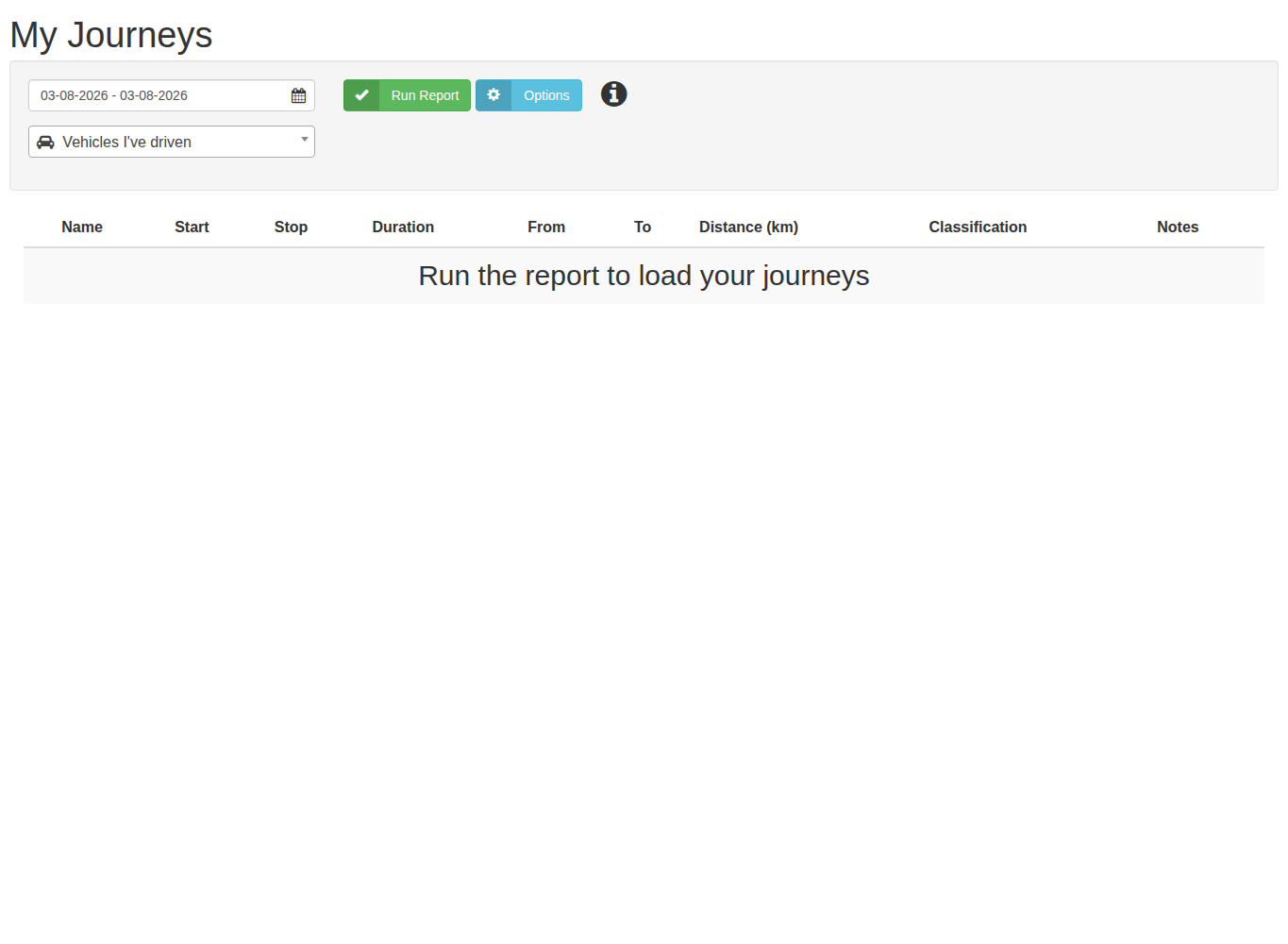
- Choose the shortest date range that contains the journeys you need.
- Select Vehicles I've driven for trips recorded while you were the driver. For trips recorded through Location Sharing, select the available phone or location source.
- Select the refresh control to load journeys. Confirm that the expected source and dates appear.
- Expand a journey and check its start, stop and details before changing it.
- Set the journey to business or private, and add a brief note when the purpose needs explanation.

What happens next
The saved classification and notes appear in supported Journey and Tax Logbook reporting. Reopen the journey to confirm that your changes were saved.
Troubleshooting
- If no vehicle journeys appear, confirm the date range, that your login is linked to the correct person, and that you were assigned or logged in as the driver.
- If no phone journeys appear, confirm that Location Sharing was active during the selected period.
- If a change does not appear after saving, refresh the journeys and reopen the same trip before trying again.